Build Log · Firmware
Thirty milliamps
Most of the time, Newsboard does nothing, which is what it's for. It shows the page and waits. But on the bench, "waiting" meant the ESP32 sat fully awake, holding a network connection open and burning current it didn't need. The case ran faintly warm even when nothing was happening. That bugged me. Something that's idle should act idle.
Doze while you wait
The panel spends nearly all its life in one state: a long wait for the next edition, listening on an open connection that only wakes when a fresh page is ready. That wait was where the power was leaking, so that's where I went to fix it.
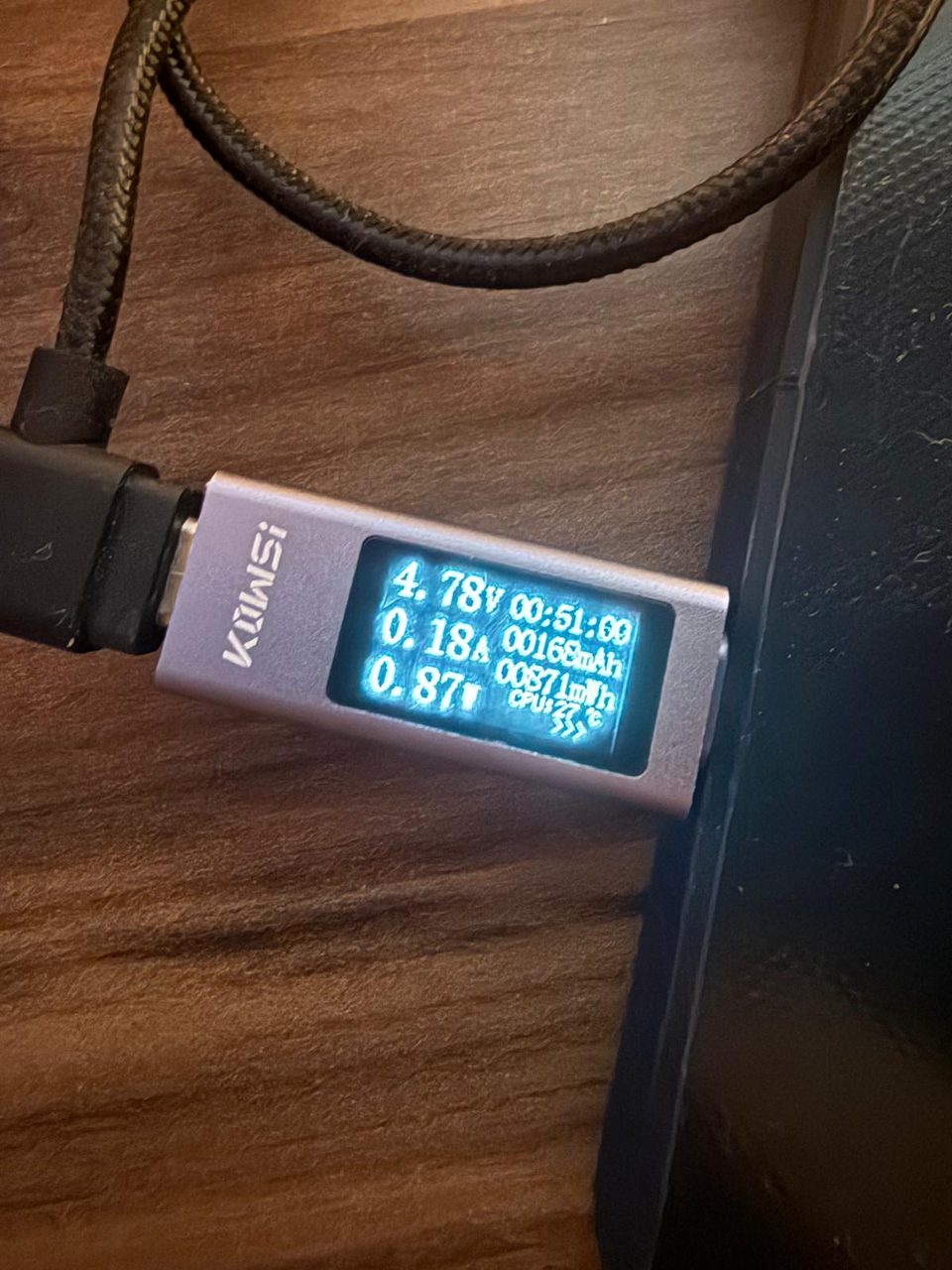
While it waits, I now let the Wi-Fi radio drop into modem-sleep and scale the processor down to a slow idle clock. The moment a refresh is due, both jump back to full power for the fetch and the paint, then settle down again. On a USB power meter, idle draw fell from about 160 mA to roughly 30 mA, around an 81% cut, and the warmth in the case went with it.
Without dulling the reflexes
The usual problem with power saving is that it makes everything feel sluggish. I wasn't willing to give up the one interaction people actually notice: you tap Refresh now in the app, and the page changes. So the sleep only touches the dead time between editions. The fetch-and-paint path still runs at full clock with the radio wide awake, and the recessed button still wakes the panel through a hardware interrupt rather than a polling loop. Refresh now feels the same as it always did. It just takes a fraction of the standby power to get there.
It all runs on USB, so this was never about battery life. I just wanted the thing to draw almost nothing while it sits there, and save the real current for the half-second it's actually working.